
NEXT POST
Photo Scanning For Beginners: The Complete Guide
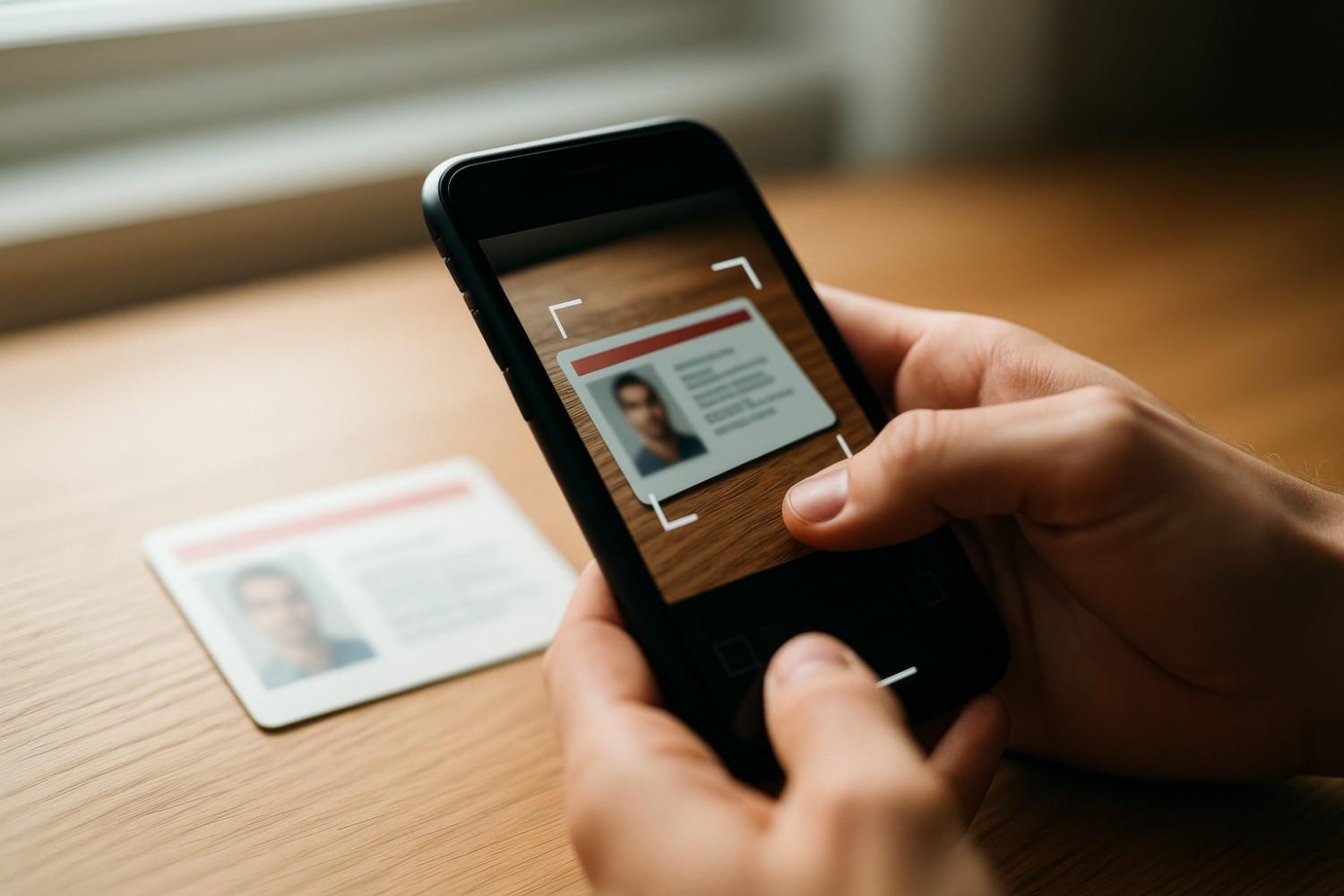
There is something quietly unsettling about old photographs sitting in drawers. Fading at the edges. Curling slightly. Colours shifting in ways you never intended.
You tell yourself you will organise them someday. Preserve them properly. Maybe even share them with future generations.
But time moves. Paper ages. And memories, although emotional are physically fragile.
This is where photo scanning becomes important.
If you have ever wondered whether you should digitise your prints using a photo digitisation service but felt unsure where to begin, you are not alone. Across India, families own albums filled with decades of memories — weddings from the 80s, studio portraits, childhood celebrations, and early digital-era prints.
Each photograph carries history. And each one deserves preservation before it fades beyond recovery.
What Is Photo Scanning?
At its simplest, photo scanning is the process of converting printed photographs into high-resolution digital files using specialised scanning equipment.
A professional photograph scanning service captures visual details from physical prints and converts them into digital images that can be safely stored, restored, shared, or reprinted.
Photo scanning is not just copying images.
It is preservation.
Professional workflows involve:
High-resolution archival scanning
Colour calibration
Dust and scratch correction
Proper handling of delicate prints
Optimised file formats for long-term storage
These technical aspects often make professional photo scanning services far more effective than basic scanning methods.
Why Photo Scanning Is More Important Than You Think
Printed photographs are vulnerable to:
Humidity and temperature changes
Sunlight exposure
Album adhesives and chemical reactions
Physical handling damage
Colour fading over time
An old photo scanning service helps protect memories before deterioration becomes permanent.
Once digitised, your photographs can:
Be safely stored in multiple backups
Be digitally restored if damaged
Be enlarged for framing
Be shared instantly with family worldwide
Remain preserved for future generations
Digital preservation does not replace originals, it protects them.
DIY Photo Scanning vs Professional Photo Scanning Services
One common question people ask is:
Should I scan photos at home or use a professional service?
DIY Photo Scanning at Home
Home scanning works for small collections if you already own a flatbed scanner.
You must consider:
300–600 DPI resolution settings
Cleaning scanner glass carefully
Removing dust from photographs
Correct colour configuration
File organisation and naming
While possible, results often lack tonal depth and sharpness compared to professional scanning.
Using a Professional Photo Scanning Service
A professional photo digitisation service uses specialised archival equipment designed specifically for photographic preservation.
Benefits include:
Higher image sharpness
Accurate colour reproduction
Better tonal range
Safe handling of fragile prints
Consistent workflow quality
Professional photo scanning services typically include:
Manual dust inspection
High DPI archival scanning
Industry-standard colour calibration
TIFF and high-quality JPEG delivery
Secure digital storage and transfer
You are not simply scanning photos, you are safeguarding legacy.
What Resolution Should You Choose for Image Scanning?
Resolution determines how much detail your digital image retains.
300 DPI
Suitable for basic digital storage
Works well for small prints
Good for casual sharing and online viewing
600 DPI (Recommended)
Ideal for archival photo scanning
Preserves details and textures
Suitable for moderate enlargements
Balances file size and quality for long-term preservation
1200 DPI or higher
Best for small prints requiring significant enlargement
Professional printing quality
Captures maximum detail for restoration purposes
For long-term preservation, most experts recommend 600 DPI Image Scanning.
It ensures flexibility for restoration and future printing.
Understanding Photo Scanning File Formats
After using a photograph scanning service, files are usually delivered in:
JPEG
Smaller file size
Easy sharing
Everyday viewing
TIFF
Lossless quality
No compression damage
Ideal archival format
If scanning once for lifetime preservation, TIFF remains the preferred choice for professional photo digitisation services.
Leave a Reply
Your email address will not be published. Required fields are marked *